Top Tablet for Digital Artists in 2026 – Review & Comparison

In the report”Top Tablet for Digital Artists in 2026 – Review & Comparison,” we discuss that digital art tablets are no longer just luxury tools for professional illustrators; they are essential instruments for digital creators, designers, and animators. In 2026, these devices combine high-end displays, pressure-sensitive styluses, ergonomic workflows, and software integration to create an immersive drawing and painting experience.
Key factors that define modern digital art tablets 2026 include:
- Large drawing display (15.6-inch to 24-inch)
- Pressure sensitivity levels (8192–16K)
- Advanced screen tech (OLED, AMOLED, 4K UHD)
- Stylus support with tilt & pressure detection
- Portability and workflow efficiency
Artists now expect more than just drawing; they need devices that handle animation, illustration, 3D sculpting, and real-time collaboration seamlessly.
Categories of Digital Art Tablets
Digital art tablets fall into three major categories in 2026:
- Screen tablets (pen display tablets)
- Direct on-screen drawing experience
- High-resolution displays, color accuracy, and touch support
- Examples: Wacom Cintiq Pro, XP-Pen Artist Pro
- Screenless tablets (graphic tablets)
- Require a connection to a computer
- Affordable and portable
- Examples: Wacom Intuos, Huion Inspiroy
- Hybrid tablets (tablet + computer)
- Portable standalone devices with a full OS
- Support professional creative software
- Examples: Apple iPad Pro, Microsoft Surface Pro X
Each type has trade-offs between portability, performance, and cost, which are crucial for both beginners and professional artists.
Display Technology and Size Considerations
Large drawing display
The display size matters for workflow and precision. Tablets in the 15.6-inch to 24-inch range are most favored for detailed illustrations, animation, and video content creation. Larger screens reduce eye strain and provide a more natural drawing surface, especially for complex projects.
OLED, AMOLED, 4K UHD
- OLED/AMOLED displays provide better contrast ratios, deeper blacks, and accurate colors.
- 4K UHD ensures crisp lines for high-resolution artwork.
- Color accuracy (Delta E < 2) is crucial for professional digital content creation.
High refresh rate and touch support
- 90Hz / 120Hz refresh rates make the drawing experience smoother.
- Touch gestures complement stylus input, allowing zoom, rotate, and pan efficiently.
Stylus and Pressure Sensitivity
Pressure levels
- 8192–16K levels provide nuanced control over line thickness, opacity, and brush effects.
- Essential for digital painting, shading, and detailed animation work.
Tilt and rotation support
- Tilt recognition mimics traditional brush strokes.
- Rotation allows realistic brush handling for pen and pencil effects.
Battery-free pens vs active pens
- Battery-free pens (Wacom Pro Pen 3, Huion PW517) provide a natural feel and continuous usage without charging.
- Active pens with haptic feedback enhance realism but require charging.
Software Compatibility
- Top tablets are compatible with Adobe Photoshop, Illustrator, Clip Studio Paint, Krita, Blender, and Corel Painter.
- Hybrid tablets with full OS support (Windows or iPadOS) allow running full-featured professional software.
- Beginners may choose tablets with streamlined apps for sketching and learning digital art fundamentals.
Ergonomics and Workflow Efficiency
Portability vs Studio-Grade Setup
- Portable tablets: smaller, lightweight, convenient for on-the-go creativity (e.g., iPad Pro, XP-Pen Artist 12).
- Studio-grade tablets: larger, precise, best for detailed artwork, animation, and professional pipelines (e.g., Wacom Cintiq Pro 24).
- Artists must weigh mobility vs performance for their needs.
Top Digital Art Tablets 2026: Models & Comparison
| Tablet Model | Display Size | Pressure Levels | Screen Type | Stylus | Price Range | Best For |
|---|---|---|---|---|---|---|
| Wacom Cintiq Pro 24 | 24″ | 8192 | 4K UHD IPS | Pro Pen 2 | High | Studio professionals |
| XP-Pen Artist Pro 16 | 16″ | 8192 | IPS | Battery-free | Mid | Freelancers & beginners |
| Huion Kamvas Pro 22 | 22″ | 8192 | IPS LCD | PW517 | Mid | Animation & illustration |
| Apple iPad Pro 12.9″ | 12.9″ | 4096 | Liquid Retina XDR | Apple Pencil 2 | High | Portable & hybrid |
| Microsoft Surface Pro X | 13″ | 4096 | PixelSense | Surface Pen | High | Hybrid & OS flexibility |
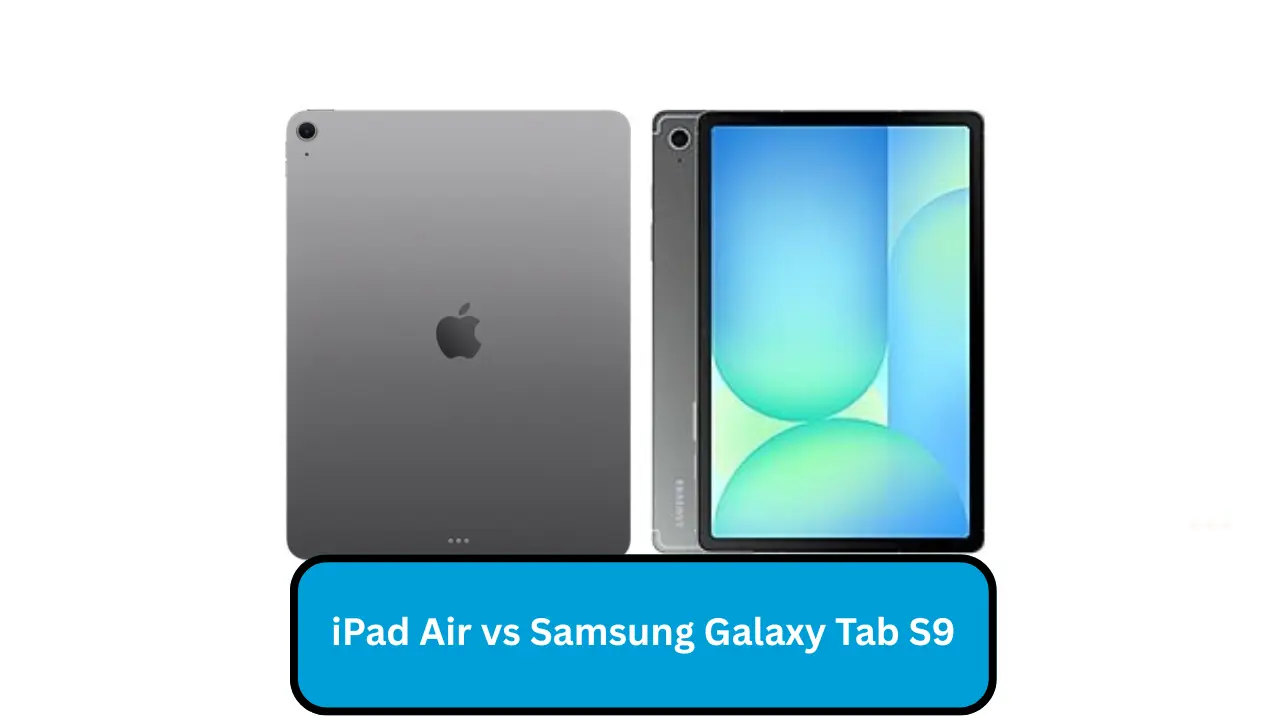
| Samsung Galaxy Tab S9 Ultra | 14.6″ | 8192 | AMOLED | S Pen | Mid | Portable drawing & design |
Price vs Value in 2026
- High-end tablets: Wacom, iPad Pro, Surface Pro X (~$1000+)
- Mid-range tablets: XP-Pen, Huion (~$300–$700)
- Affordable entry-level: beginner-focused devices under $300
Value consideration:
- Higher price often means better color accuracy, ergonomics, stylus features, and software compatibility.
- Mid-range tablets often provide nearly professional-grade features at a lower cost.
Pros and Cons of Screen vs Screenless Tablets
| Type | Pros | Cons |
|---|---|---|
| Screen tablet | Direct on-screen drawing, natural feel | Heavier, more expensive |
| Screenless tablet | Affordable, portable | Requires external monitor, indirect drawing feel |
Pressure-sensitive Stylus Tablets for Illustration & Animation
- Essential for realistic brush strokes, shading, and animation frames.
- High-pressure sensitivity improves control for digital painting, vector illustration, and manga art.
High-resolution / 4K Drawing Tablets for Professional Artwork
- Professionals prefer 4K displays to maintain fine detail, color fidelity, and scaling options.
- Large canvas ensures that digital art workflows resemble traditional media experiences.
Affordable Drawing Tablets 2025 / 2026
- Entry-level tablets for beginners and students focus on usability, stylus performance, and essential software.
- Brands like XP-Pen, Huion, and Veikk dominate the budget-friendly segment without compromising basic drawing experience.
Conclusion: Top Tablet for Digital Artists in 2026
When choosing a tablet in 2026, consider:
- Purpose: Professional, hobby, animation, or hybrid workflows
- Display: Size, resolution, color accuracy, refresh rate
- Stylus & Pressure Sensitivity: 8192–16K levels, tilt & rotation
- Ergonomics & Workflow: Express keys, touch rings, adjustable stand
- Software Compatibility: Photoshop, Clip Studio, Illustrator
- Portability vs Studio Setup: Large studio screens vs portable hybrid devices
- Budget vs Value: Balance price with features needed